KINO
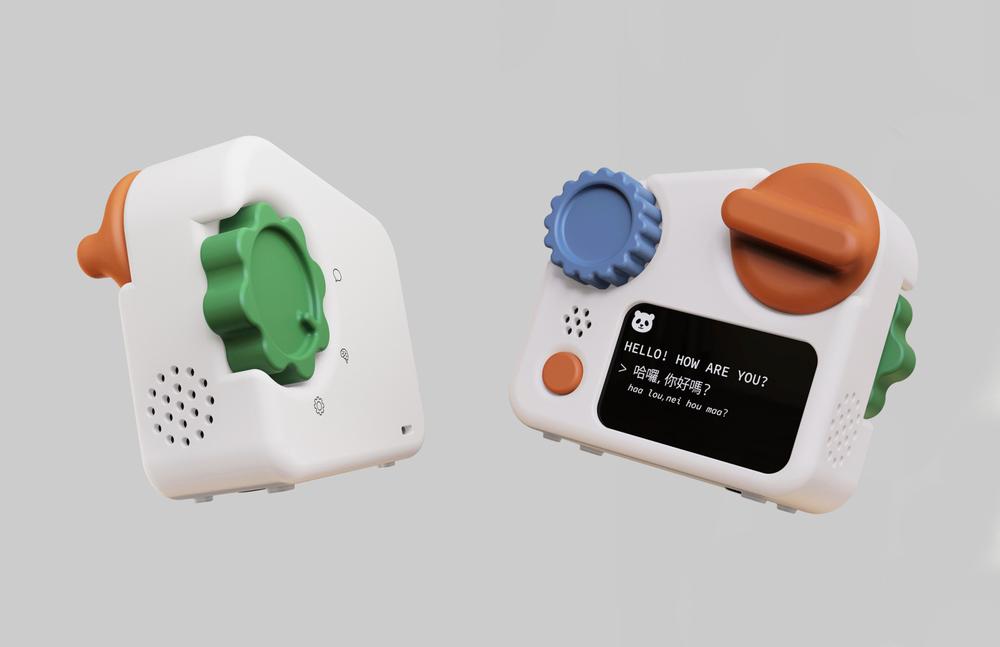
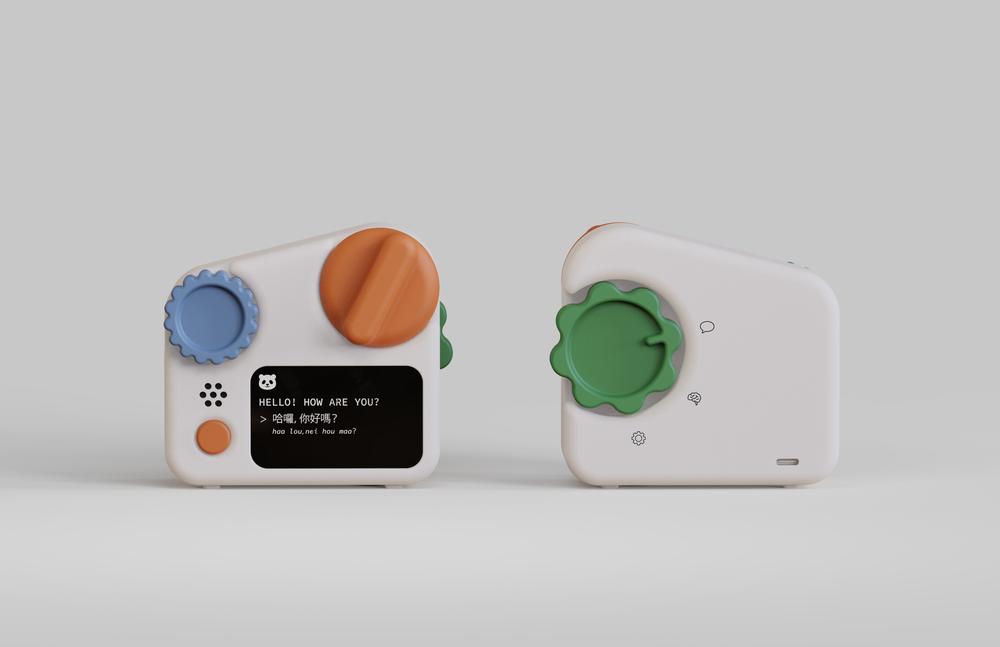
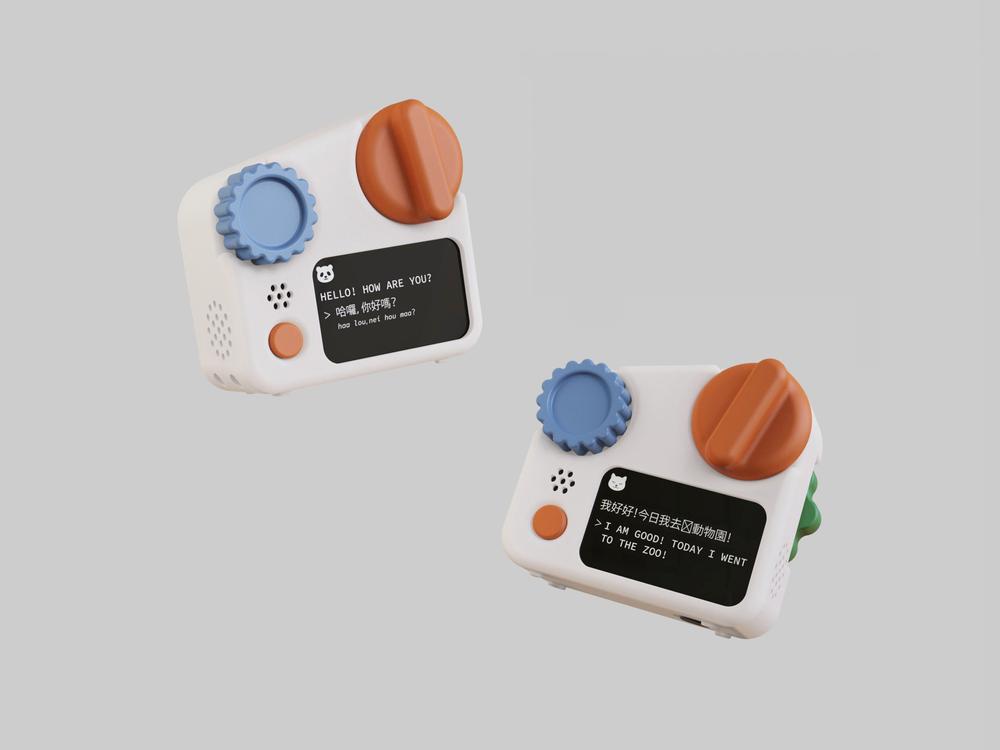
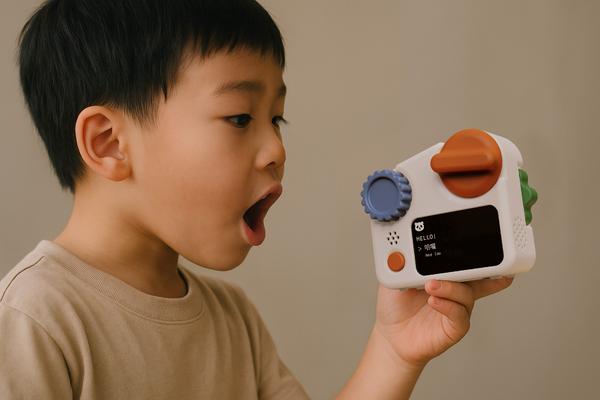
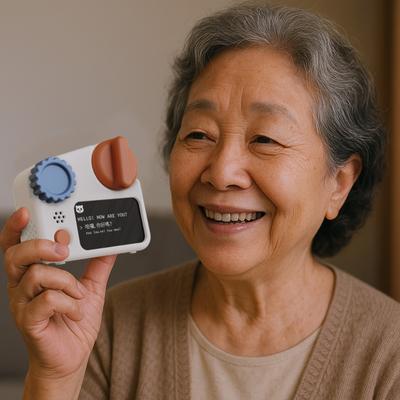
KINO is a screen-free, AI-powered communication device that connects children and grandparents across language and cultural barriers. Designed for multilingual families, it enables asynchronous voice messaging with real-time transcription and translation. With simple buttons and dials, it’s easy for both kids and seniors to use independently, encouraging natural conversation without needing parental help. Daily prompts and AI-driven vocabulary tools help build deeper understanding and lasting connections through tactile, intuitive interaction.
project type
independent project
timeline
3 months (March-May)
the importance of connections
As of 2023, over 17.9 million children in the U.S. live with at least one immigrant parent. While families migrate for opportunity, distance and language barriers often disconnect children from their cultural roots.
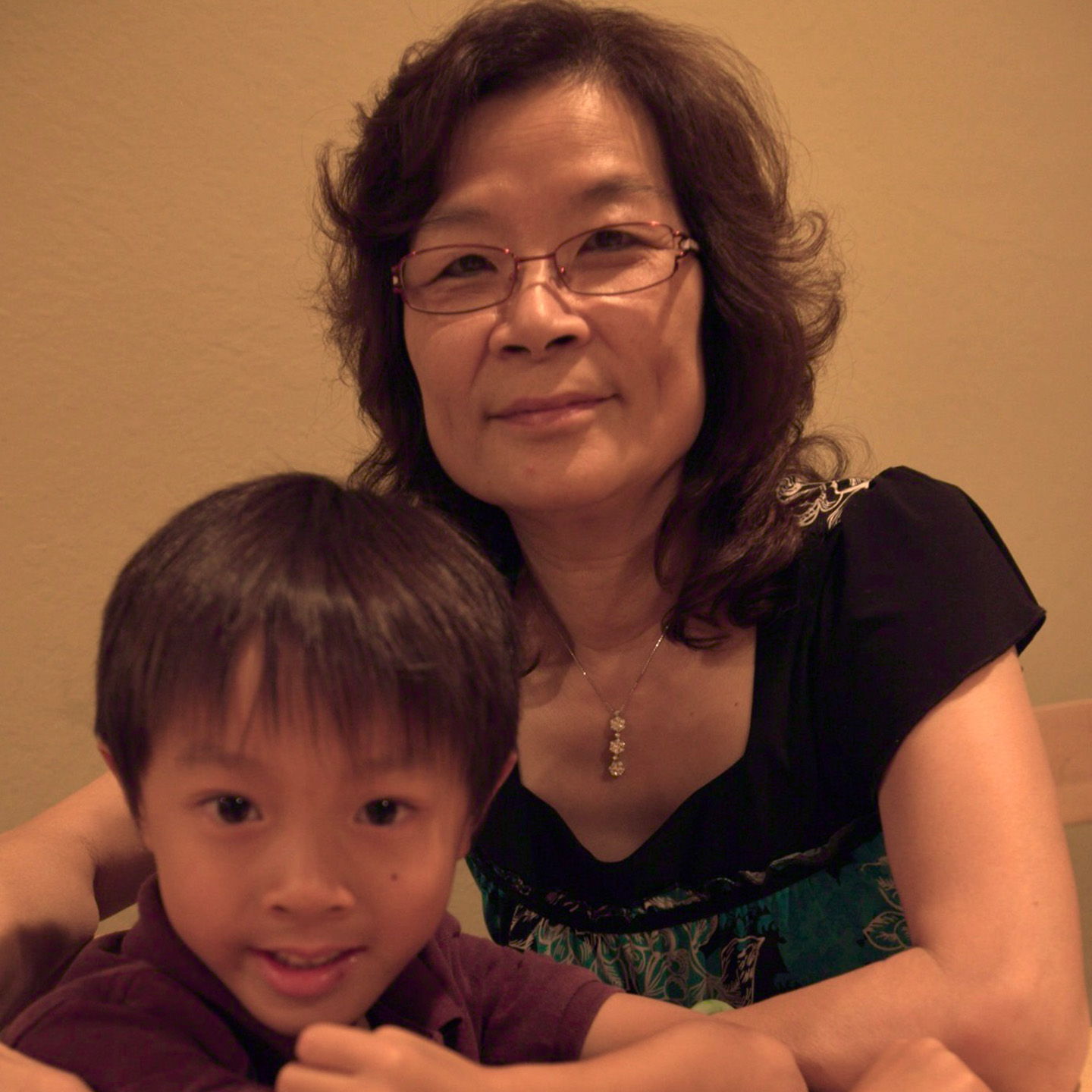
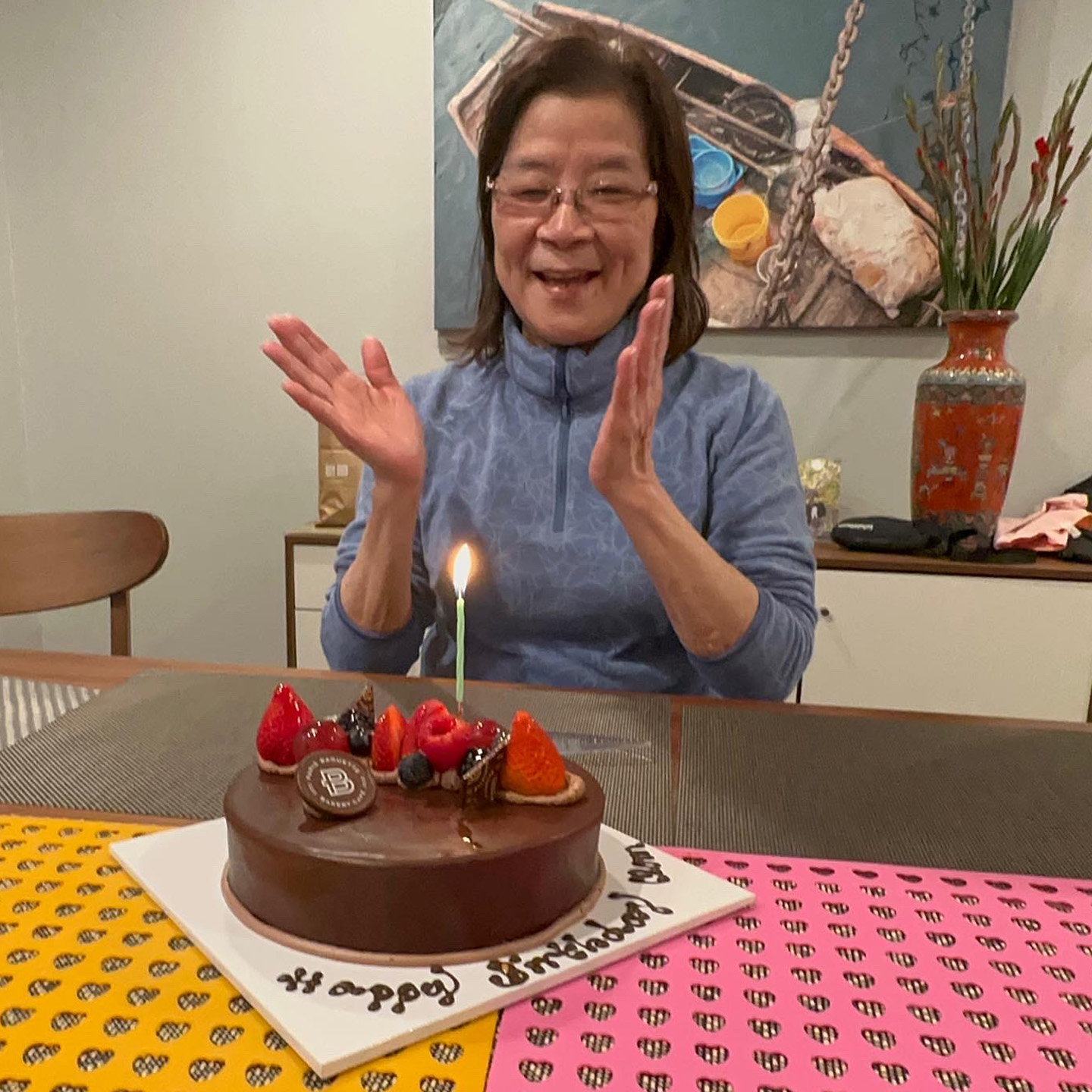
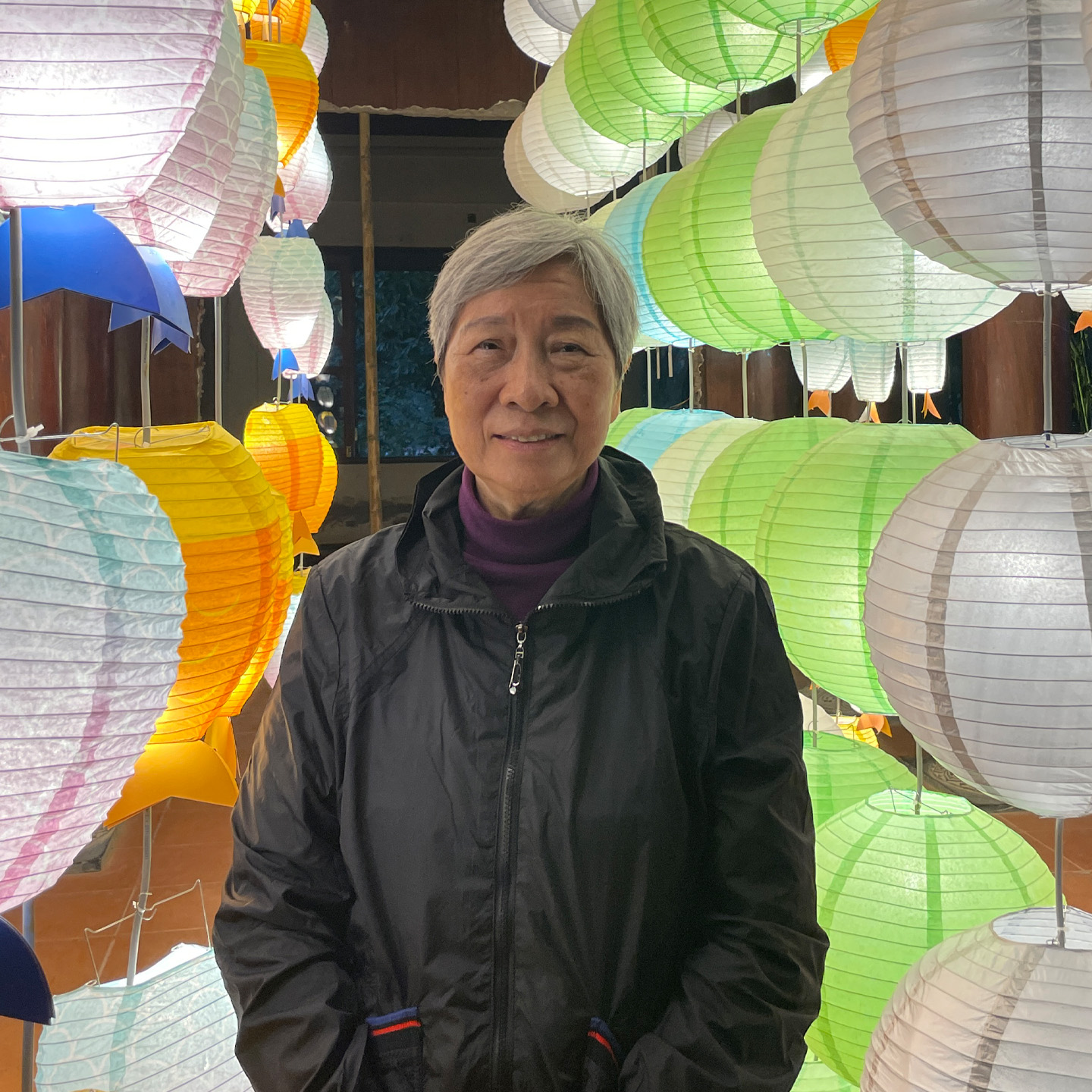
Grandparents play a vital role in preserving heritage—they offer lived history, language, and values unique to the family’s origin. Maintaining this bond helps children build a stronger sense of identity, while giving grandparents a renewed sense of purpose, connection, and legacy across generations.

exploring sketches
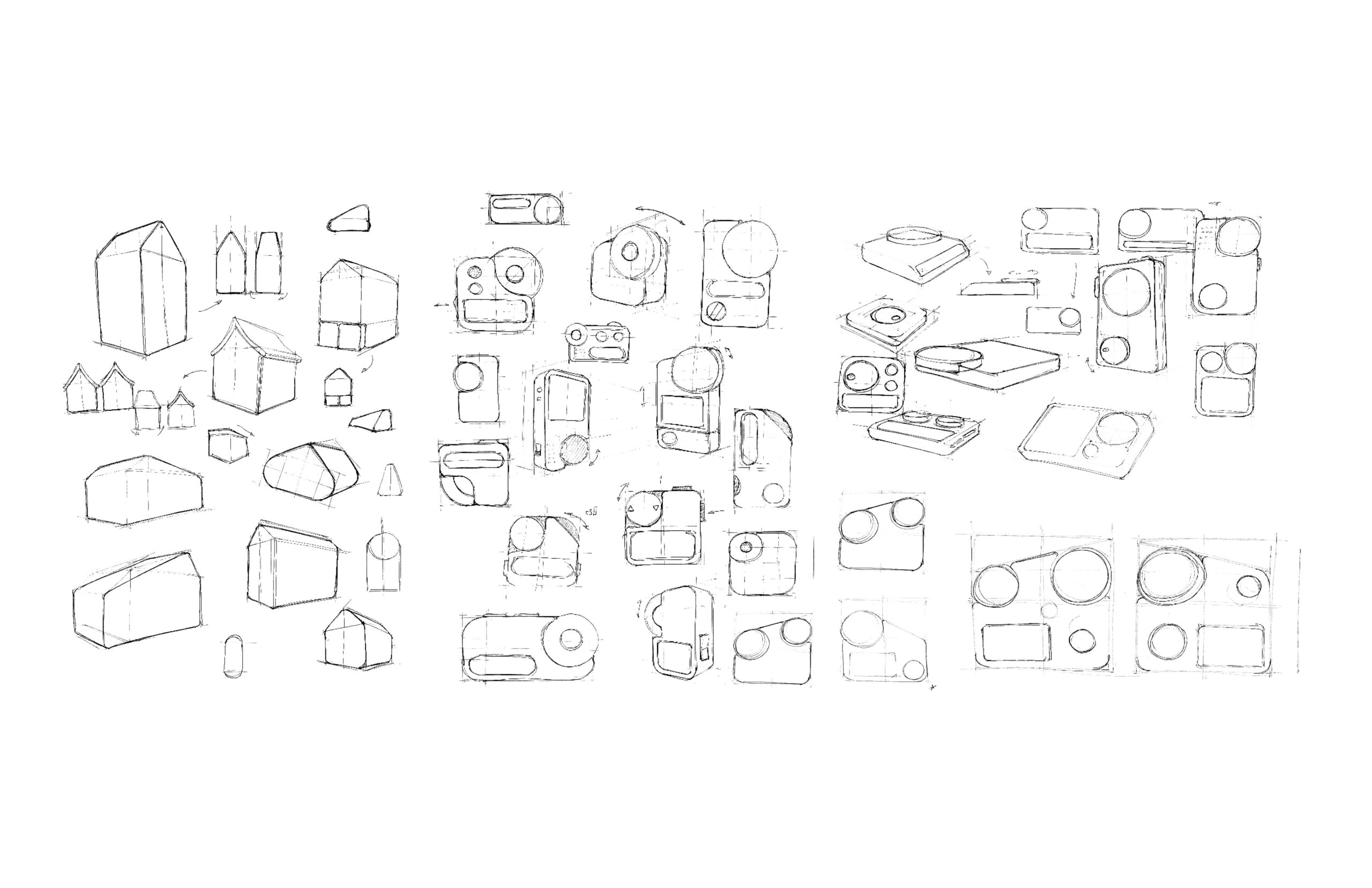
Early KINO sketches explored approachable forms with large tactile buttons for intuitive use across generations. Emphasis was placed on portability and comfort, drawing inspiration from classic house silhouettes to evoke warmth, familiarity, and a sense of home in every interaction. I ultimately chose a form inspired by half a house, an abstracted take on the traditional shape, capturing the essence of home while allowing for a more ergonomic form that accommodates all the necessary functionalities.
prototypes and coloring
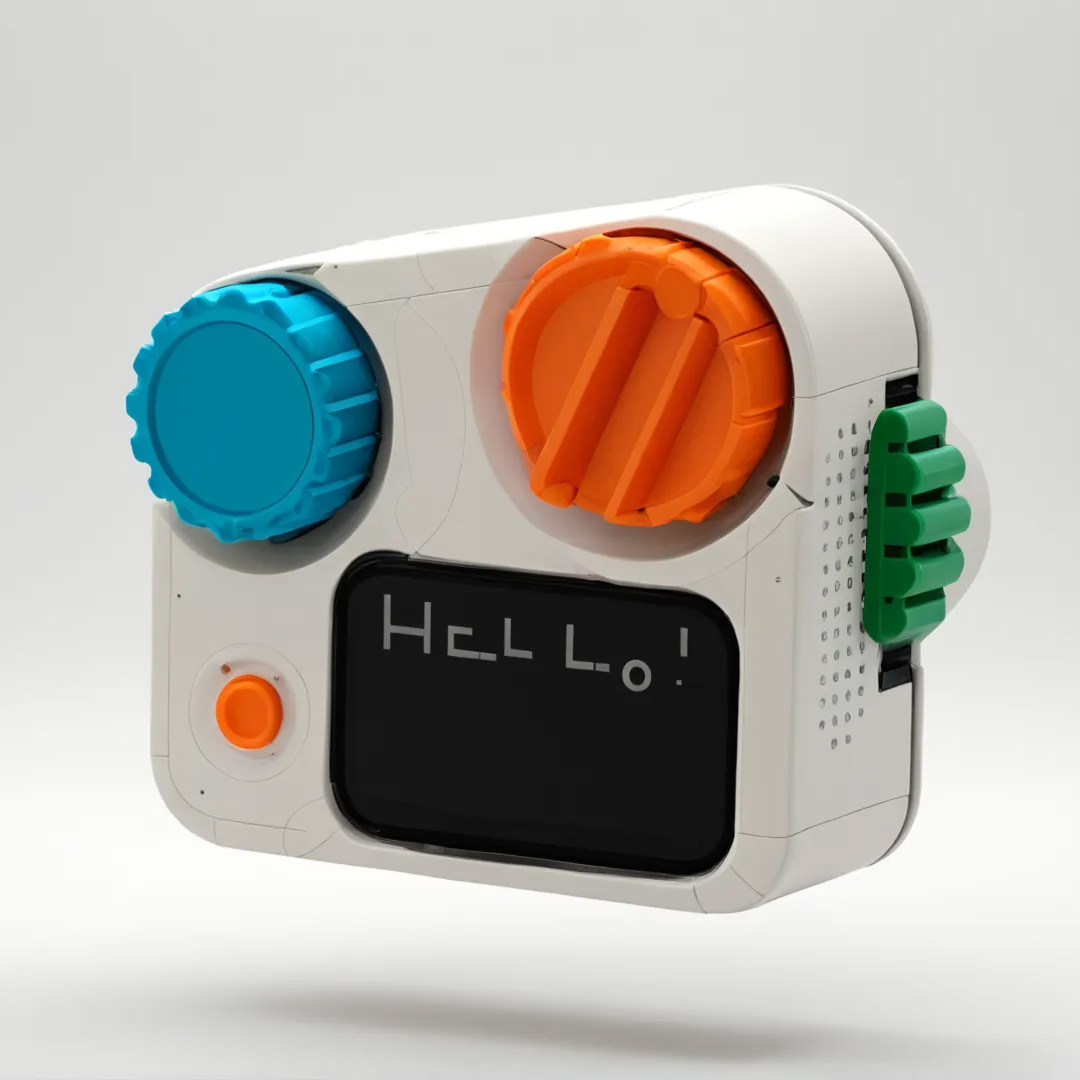
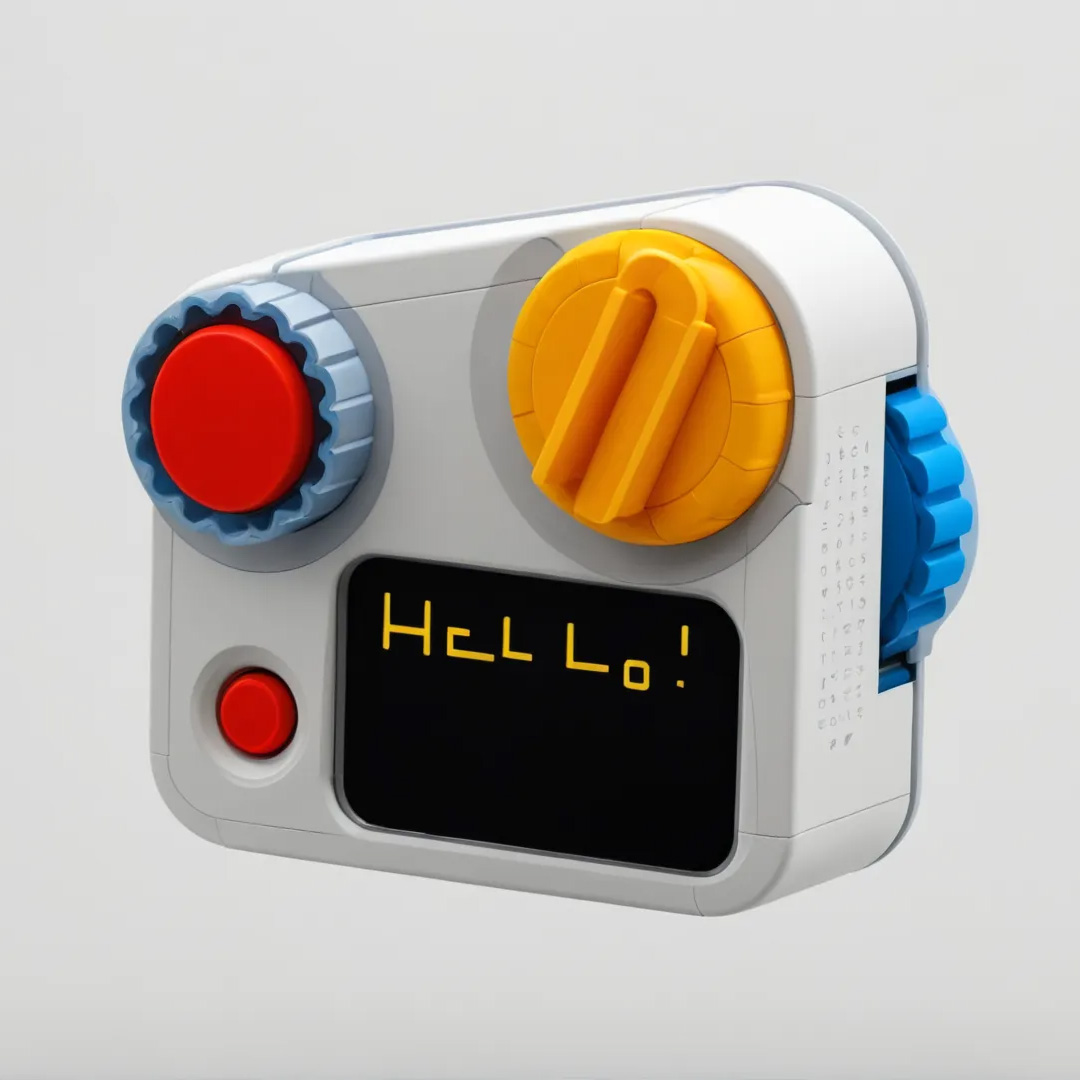
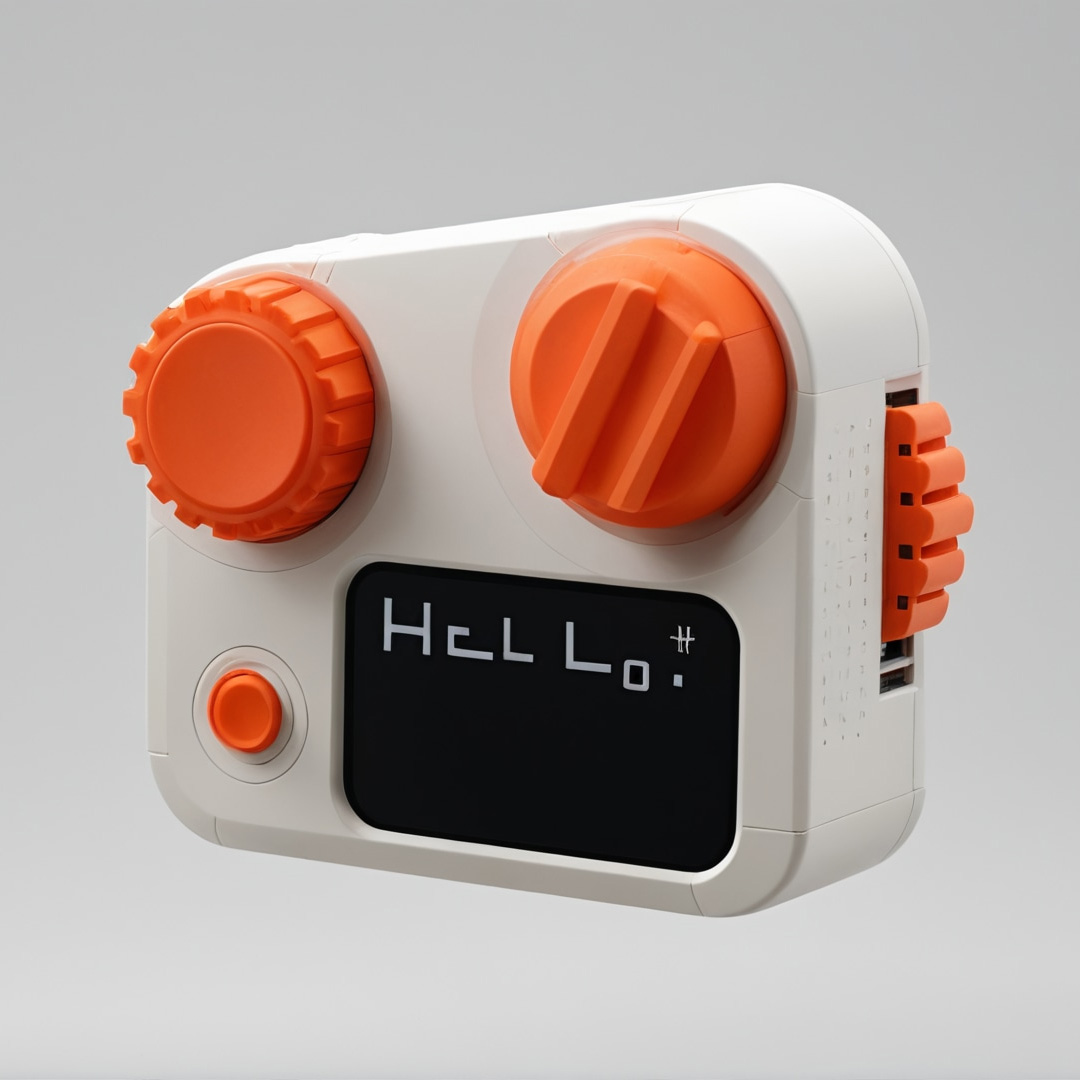
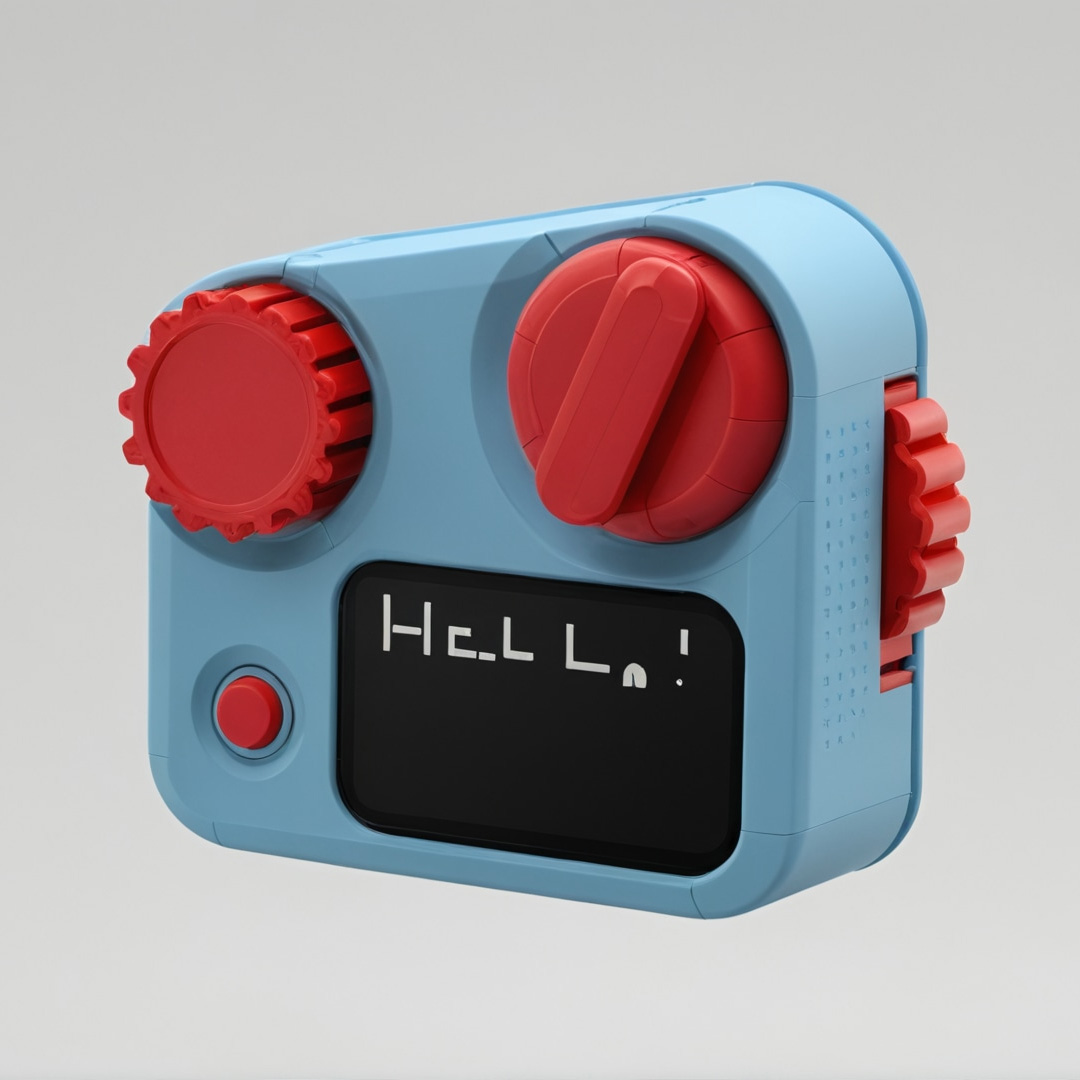
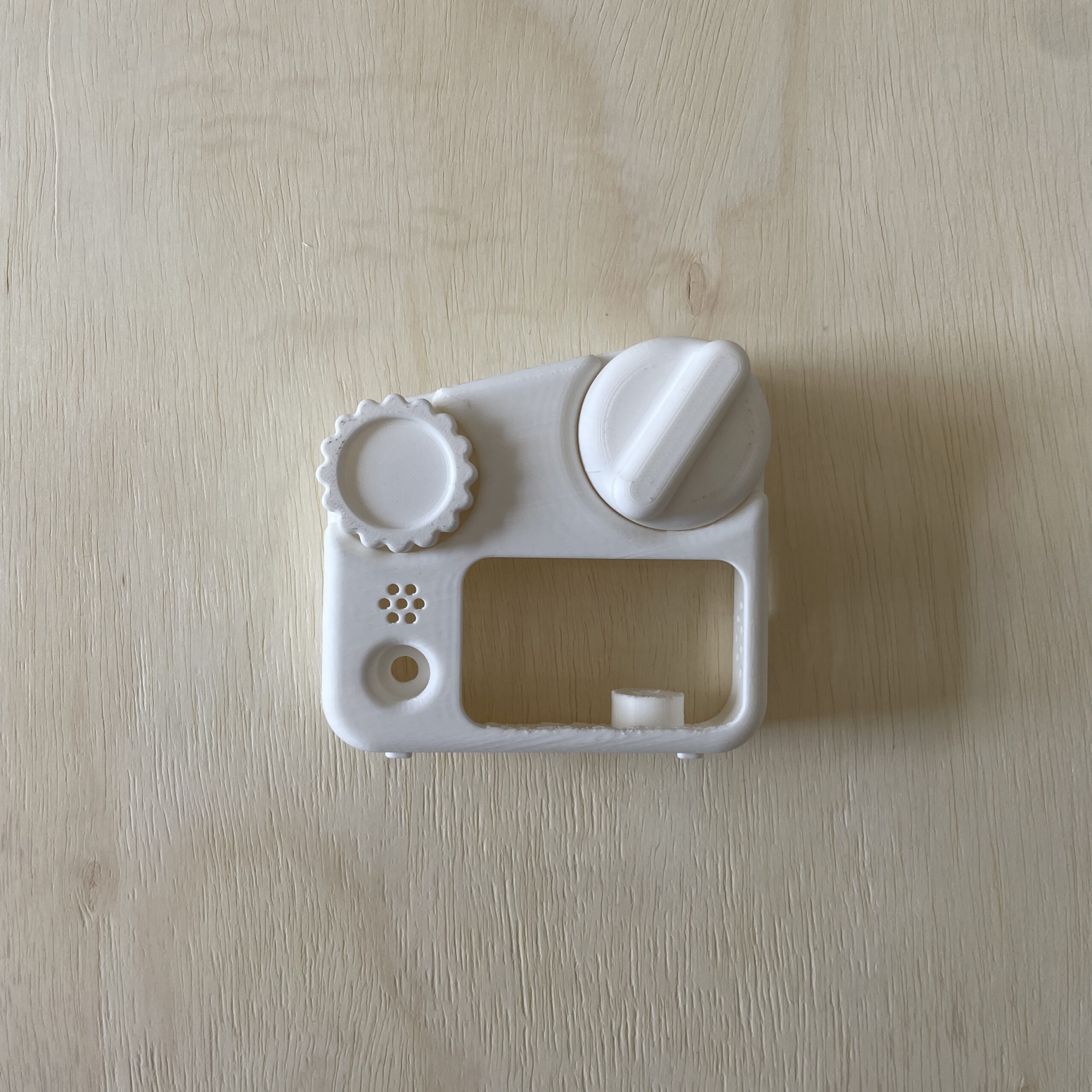
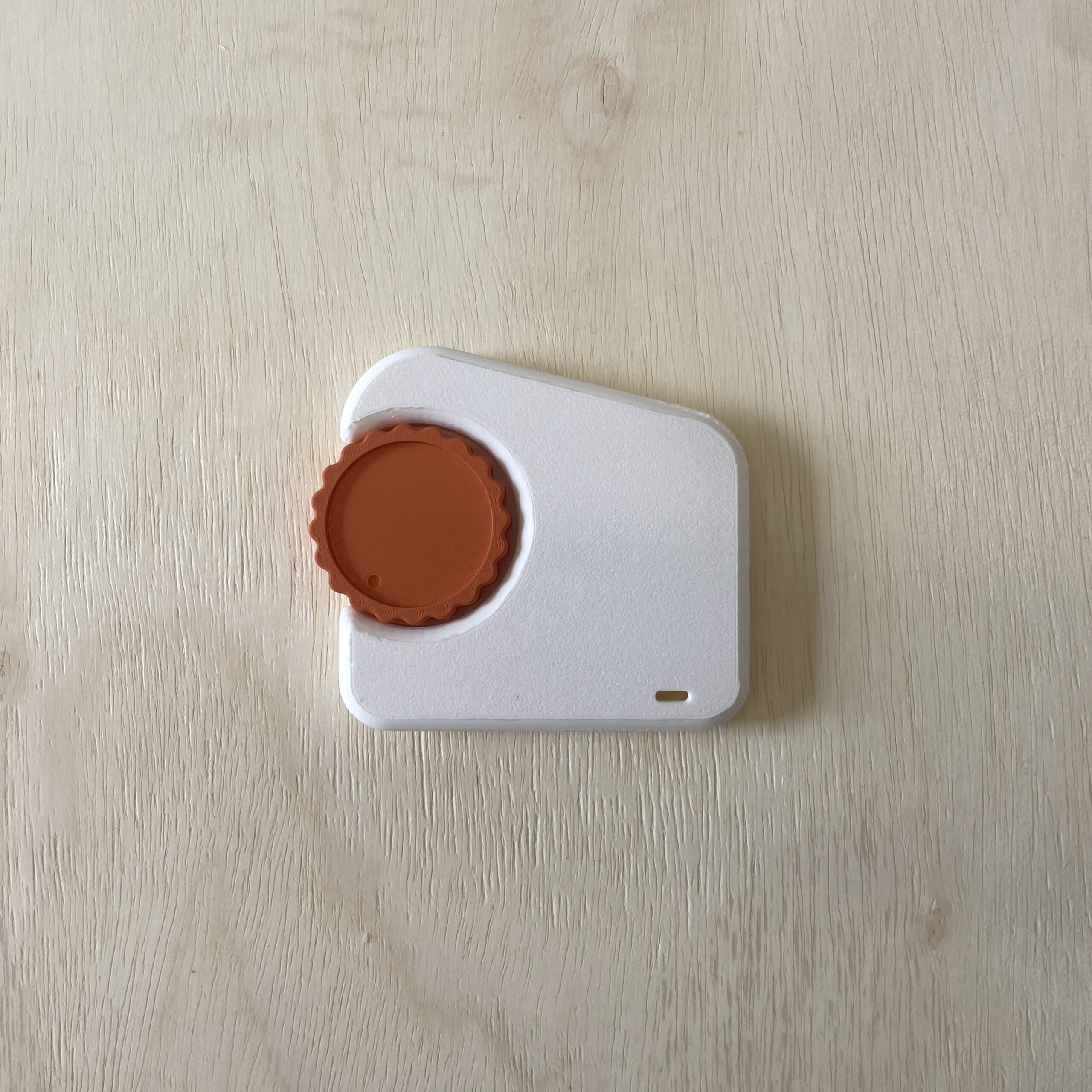
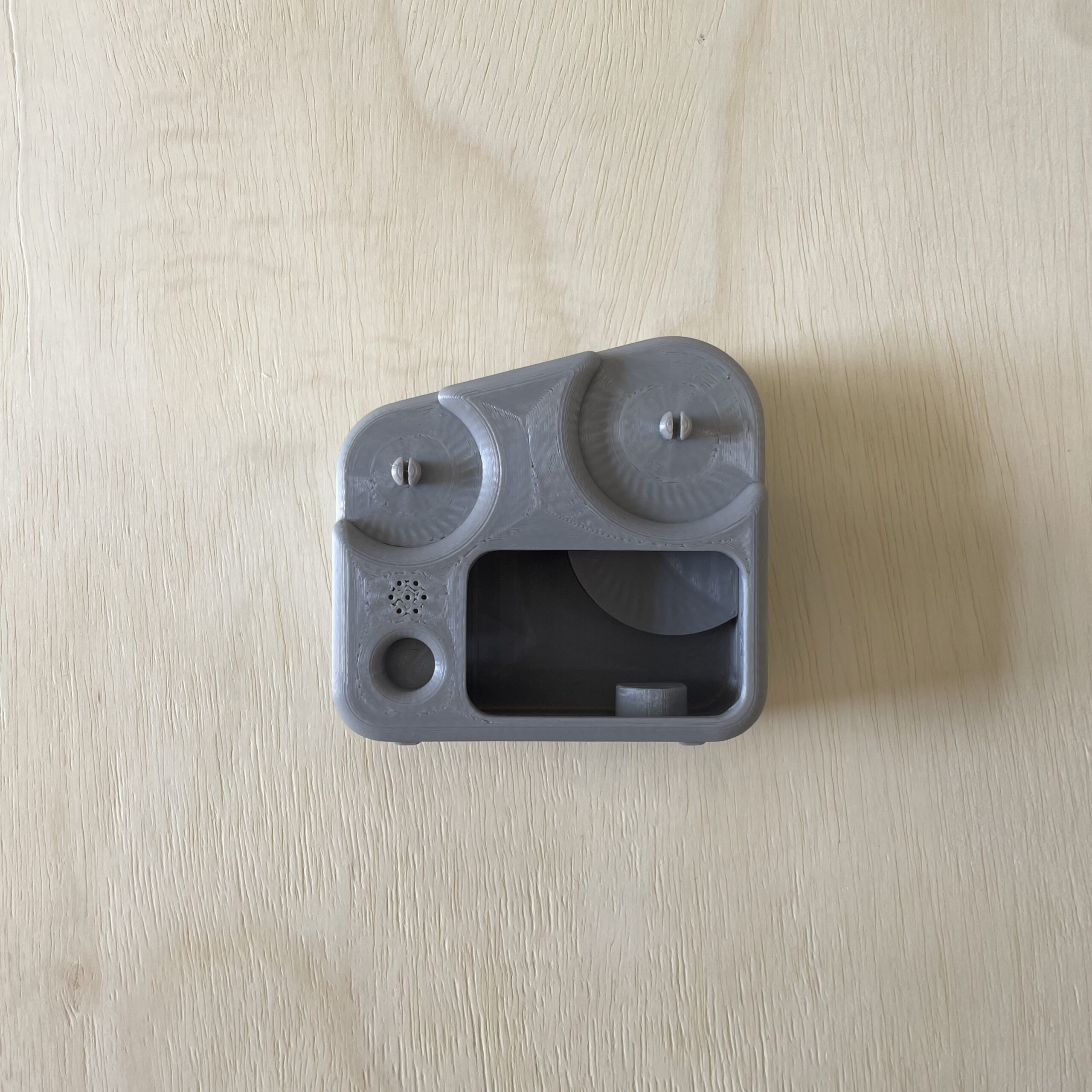
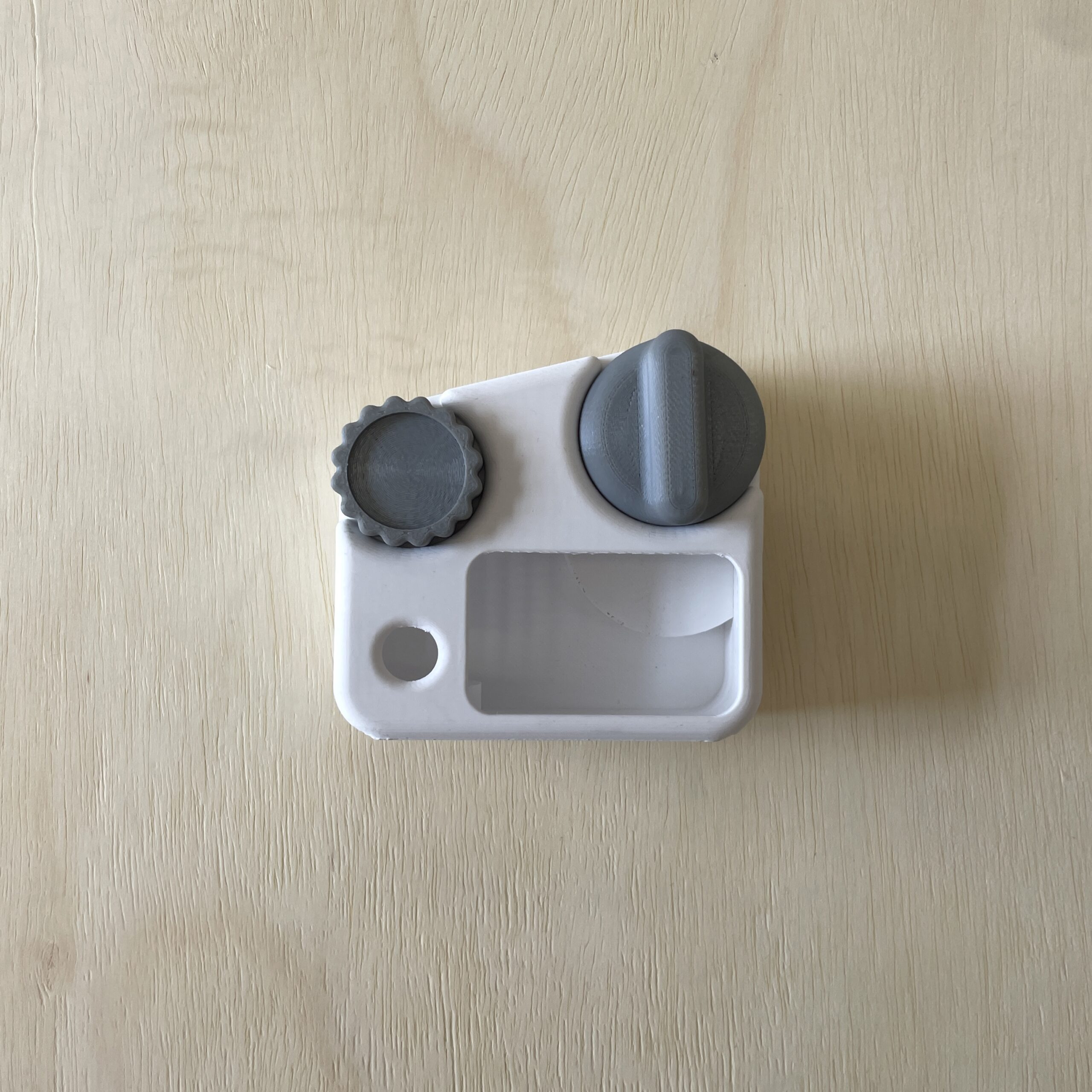
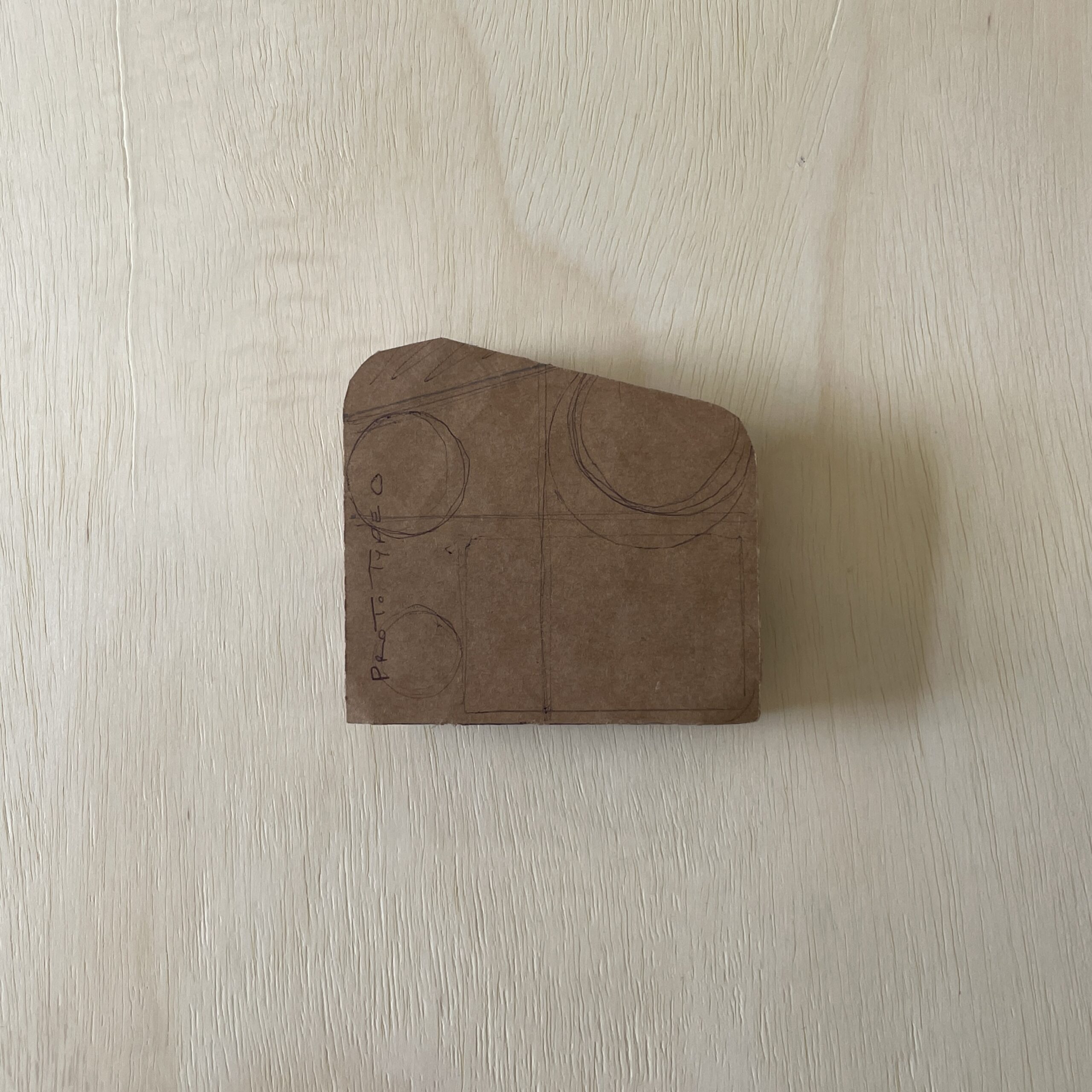
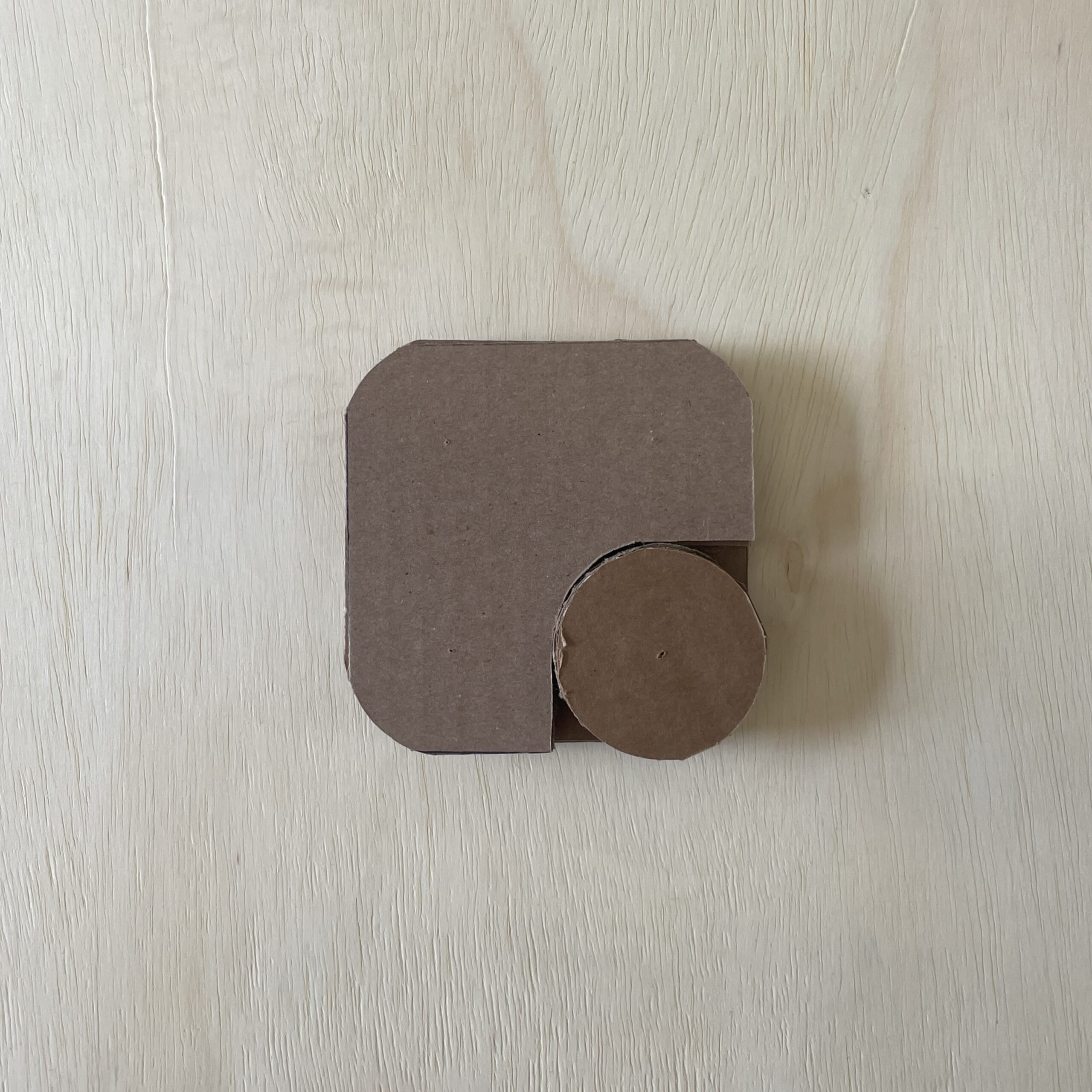
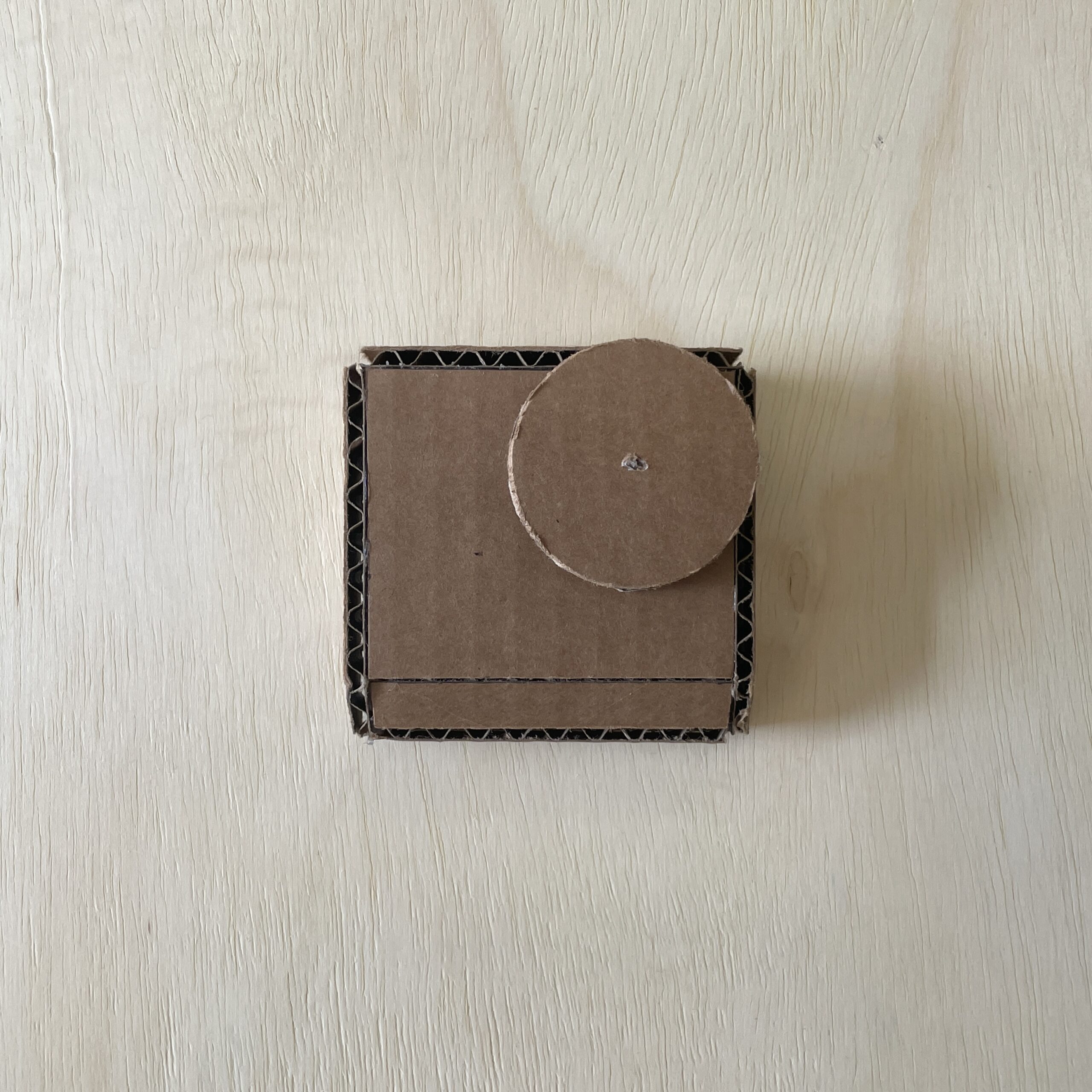
Several prototypes were developed to test body sizing, button shapes, and dial placements, ensuring the best ergonomic fit and intuitive interaction for both children and the elderly. AI tools were used to explore quick CMF concepts. Final colors were chosen based on function, making buttons and dials visually distinct to improve usability and reduce confusion.
functionality and features
KINO’s functionality was designed for clarity and ease of use. Avoiding multifunctional controls, it uses distinct, color-coded buttons and dials as a visual cue as to which buttons and dials are to be used together. A simple rear mode dial lets users easily switch between Messaging, Learning, and Settings, making navigation intuitive for both children and elderly users without added confusion.